Canva Designing & Other Ai Tools: Modern Tools For Modern Work Program

Introduction
Canva, a versatile graphic design platform, has gained momentum in recent years due to its user-friendly interface. It enables users to craft professional-grade designs with ease, even without prior graphic design knowledge.
One of the primary reasons to learn Canva for professional purposes is its ability to enhance the visual appeal of the content. Whether it's presentations, social media posts, or marketing materials, Canva's vast library of templates and design elements can transform any project into one that is aesthetically pleasing and captivating. This can help engage the audience and make the content more memorable.
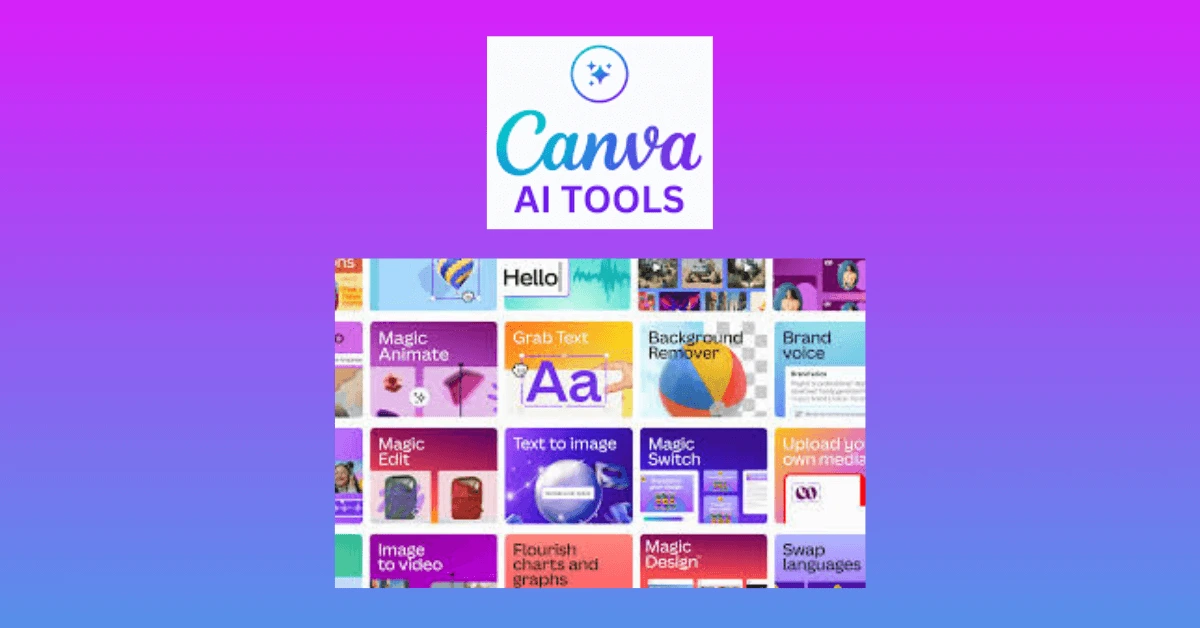
Besides Canva, there are so many AI tools available out there, allowing us to perform smarter, faster, and more creatively at the workplace. Participants will discover how AI can supercharge everyday tasks – from writing emails and generating ideas to designing eye-catching visuals and automating repetitive work. Through practical tools like ChatGPT, Midjourney, and Trello, this program makes AI approachable, exciting, and immediately useful. Whether the participants are in marketing, admin, or customer service, this program is a great launchpad to a more vibrant, efficient, and modern workflow.
Objective
Key Takeaway
Outline
Module 1: Principles of Designing, Marketing and Branding
Module 2: The Amazing Graphic Design Tool: Canva
Activity: Register & Login to Canva account
Activity: Practice session – Editing Photo
Activity: Design Project – Poster / Infographic
Module 3: AI in the Workplace
|
Activity: Writing emails and generating ideas using ChatGPT Activity: Creating your next presentation using Gamma & Copilot |
Activity: Task planning using Trello
Module 4: AI for Creatives – Design, Visuals, and Marketing Magic
Activity: Creating stunning and modern visuals using Midjourney
Module 5: Video Editing on Canva
Activity: Creating a corporate video
Who Should Attend
Methodology
This course will be delivered using multiple methodologies as the program is designed to be both theoretical and practical hands-on sessions. Aside from lecture style, participants will be engaged through demonstrations, group activities, design challenges, presentation, and sharing sessions that will enable them to quickly absorb the learning and be able to utilize the new knowledge immediately.
Canva Designing & Other Ai Tools: Modern Tools For Modern Work Program

000162

2 Days

RM 0.00